
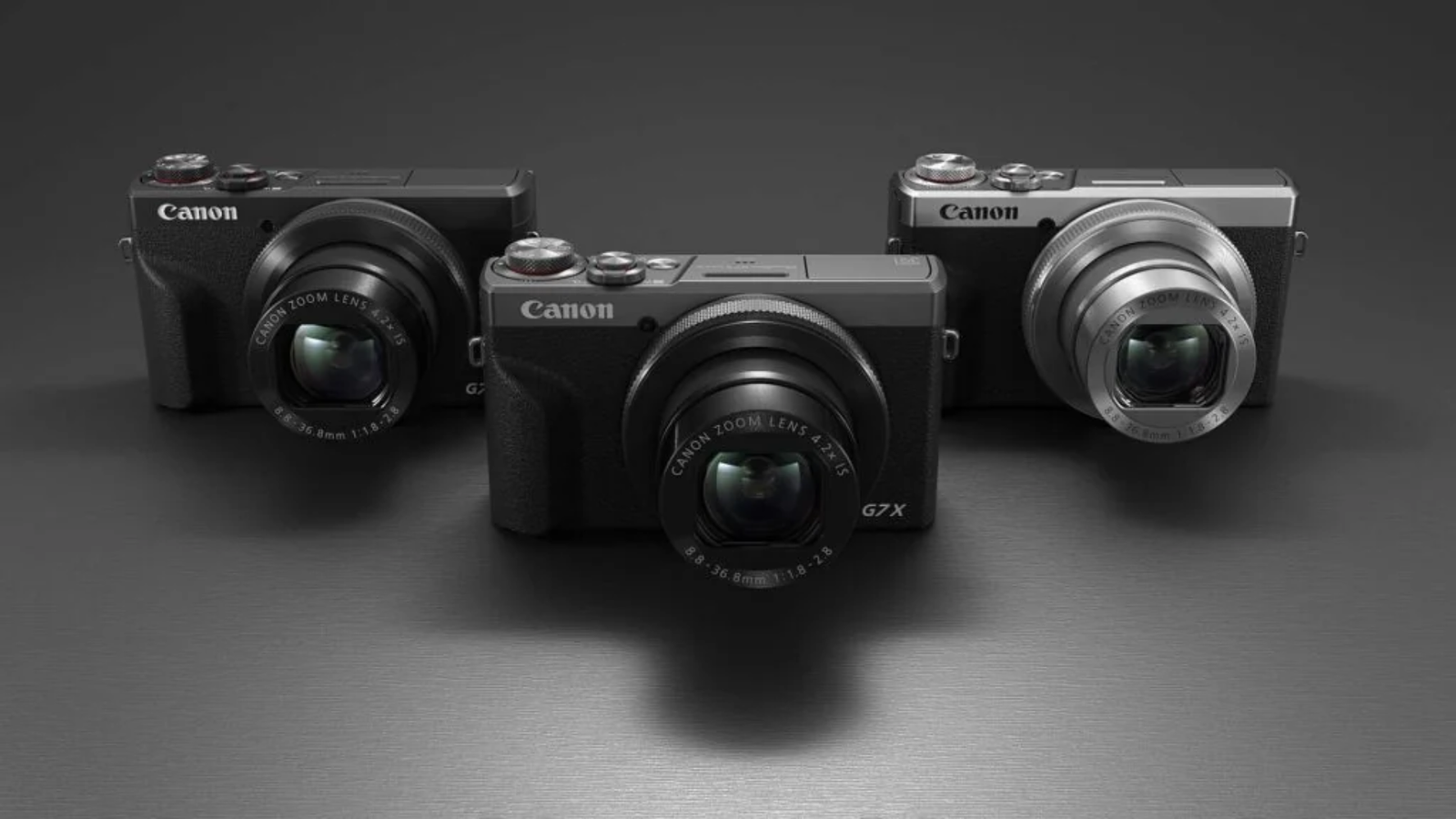
The Canon PowerShot G7 X Mark III is a pocket camera with a 1-inch sensor, a bright 24-100mm zoom and a screen that flips up to face you. It takes better photographs than most people expect from something this small, and it has the ports a creator needs. It also has a few habits worth knowing before you buy.
This guide covers what the camera does well, where it falls short, who it suits, and what two years of GrayPorter cover adds.
“Buy it if you want a camera that fits a jacket pocket, makes clearly better photographs than a phone in dim light, and records 4K with a proper microphone input. Think twice if you shoot fast sport, want a viewfinder, or need long, uninterrupted 4K takes. Battery life is short, so plan on a spare.”
First, a word about the camera
How are the photographs?
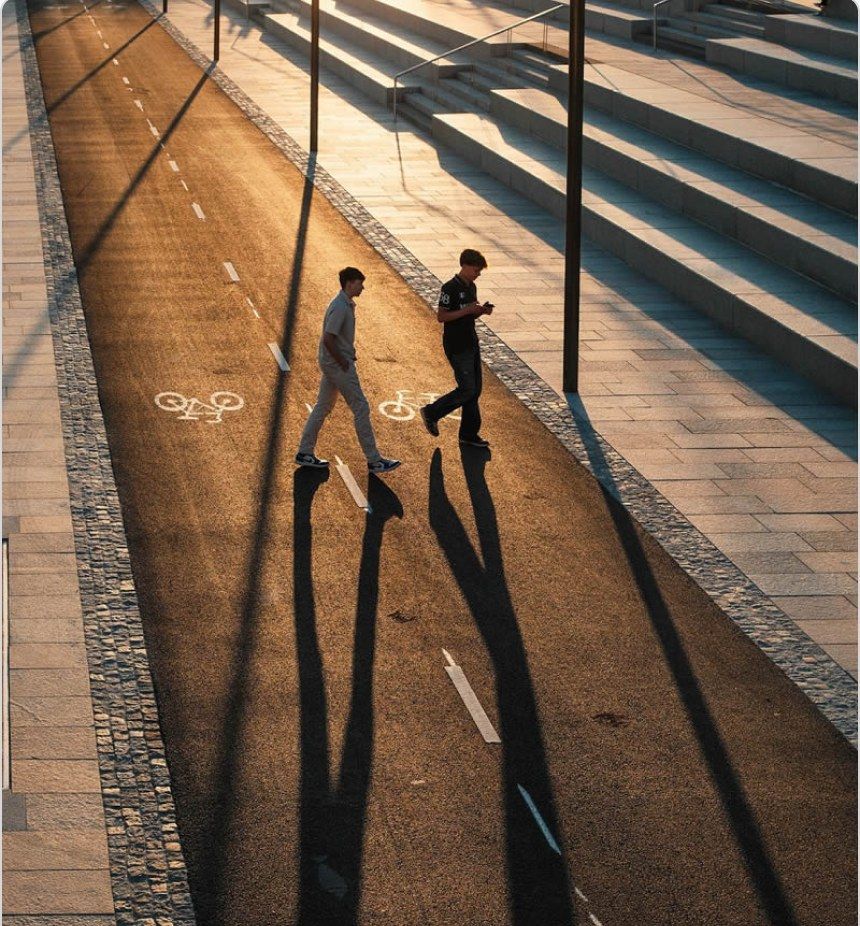
They are very good for a camera this size. The 1-inch sensor is larger than the main camera sensor in most phones, and the lens is brighter, so you see the difference most indoors, at dusk and in restaurants.
Raw files hold a lot. Detail is among the best of the 1-inch compacts, and shadows lift cleanly when a scene is too contrasty. If you edit your photographs, shoot Raw or Raw plus JPEG.
JPEGs are bright and ready to share. Colors are vivid, and skin tones are pleasant straight out of the camera. Noise reduction is strong at high ISO, so fine texture such as hair or fabric can look smoothed in low light. Lowering noise reduction in the menu helps.
The lens is brightest where you need it. At 24mm the aperture opens to f/1.8, which lets in plenty of light and softens backgrounds for portraits. The trade off is that the wide end is a little soft, especially in the corners. Stopping down to around f/4 sharpens the middle of the frame, though the far corners stay soft. In the middle of the zoom range the lens is sharp even wide open.
“Dana's tip: for landscapes where corner detail matters, zoom in slightly from 24mm and use f/4. For people, stay wide open and let the background fall away.”
How fast is it, and how well does it focus?
It is quick for everyday life and less suited to unpredictable action.
Focus is fast and face detection is good. The camera finds faces quickly and follows them as people move around the frame. It uses contrast-detect autofocus rather than the phase-detect systems in newer cameras, and it has no eye detection. For family, travel and street photographs it rarely gets in the way.
Burst shooting has a catch. You can shoot 20 frames per second with focus fixed on the first frame, or 8.3 frames per second with focus adjusting between shots. Subject tracking cannot be combined with burst shooting, which is the main reason we would not pick this camera for children's sport or wildlife.
Raw burst is a useful trick. In Raw burst mode the camera records 30 frames per second, and with pre-shooting on it keeps about half a second of frames from before you fully press the shutter. That is handy for a jump, a splash or a laugh you would otherwise miss. Each burst saves as one file that you extract frames from later, and the electronic shutter can show banding under some indoor lights.
Is it good for video and vlogging?
Yes, for most people filming themselves, with two limits to plan around. The flip screen, mic input and wide 24mm view are why creators keep buying it.
What works well
• Uncropped 4K. At 4K you get the full 24mm view, so you can hold the camera at arm's length and still fit yourself and the background in frame.
• A real microphone socket. The built-in stereo mic is fine for quiet rooms. Plug a small on-camera mic into the 3.5mm input and your voice improves at once.
• The built-in ND filter. Three stops of neutral density let you keep a natural shutter speed in bright sun without buying a screw-on filter.
• Vertical video. Turn the camera on its side and it records upright clips for Reels, Shorts and TikTok with no settings to change.
• Clean HDMI output. The camera can feed an external recorder or capture card without on-screen clutter, which makes it a capable webcam.
What to plan around
• 4K takes stop at about 10 minutes. Fine for most vlogs and short clips. For a long talk or interview, switch to Full HD, which runs up to about 30 minutes per clip, or record to an external recorder over HDMI.
• Video autofocus can hunt. In low contrast scenes the focus sometimes pulses before settling. Canon improved this with a firmware update in October 2019 that added a faster Movie Servo AF mode, so update the camera on day one. Good light helps more than any setting.
• Stabilization costs you width. The standard and enhanced movie stabilization settings crop in, by about 1.1x and 1.4x. The enhanced setting also softens detail. If you walk and talk, use the standard setting and hold the camera close to your body.
Canon added 24p recording in a later firmware update, and a dedicated video blog mode in 2021. There are no zebras or Log profiles, which matters only if you color grade footage.
About live streaming. The camera can stream directly to YouTube over Wi-Fi once it is linked through Canon's image.canon service. It needs recent firmware, YouTube's subscriber minimum for mobile streaming applies, vertical video cannot be streamed, and streaming drains the battery quickly. For regular streams, most people get a steadier result using the camera as a webcam over USB or HDMI.
What is it like to carry and use?
It feels like a premium object and disappears into a coat pocket. At 304 g it is heavier than a phone but light enough to carry every day.
Controls stay where you set them. The top dials are firm, so they do not turn by accident in a bag. The control ring around the lens can be set to zoom, aperture or ISO. One small loss from the Mark II: the ring now clicks as it turns, with no smooth option, which some people who adjust settings while filming find distracting.
The touchscreen does most of the work. You can tap to focus, tap to shoot, swipe through photographs and change most menu settings by touch. Canon's touch interface is one of the best in a compact.
There is no viewfinder. In bright midday sun the screen can be hard to read. If you shoot outdoors often and like a camera at your eye, look at the options further down.
Battery life is the weak point. The NB-13L is rated for about 235 shots per charge, and 4K recording, Wi-Fi and streaming use it faster. One battery covers a relaxed afternoon. A full day of travel or filming needs a second one.
Charging has a quirk. The camera charges over USB-C, but only from a USB Power Delivery charger or power bank. An older phone charger may not charge it at all. If you have a USB-C laptop or phone charger from the last few years, it will usually work.
Who should buy it, and who should not
It suits you if you:
• Want photographs that hold up in dim restaurants, evening streets and indoor parties, from a camera that fits a pocket
• Film yourself for YouTube, Reels or TikTok and want a flip screen, a mic input and uncropped 4K
• Travel light and want one camera for both photographs and short video
• Are moving up from a phone and want manual control without carrying a lens bag
Look elsewhere if you:
• Photograph sport, birds or running children and need focus to track through a burst
• Shoot mostly outdoors in bright light and want a viewfinder
• Record talks, lessons or interviews that run past 10 minutes in 4K
• Need landscapes sharp into the far corners at 24mm
When another camera fits better
• You want more reach. The Canon PowerShot SX740 HS has a 40x zoom in a similar size. Its smaller sensor is less capable in low light, but it brings distant subjects close.
• Photographs come first and you can spend more. The Fujifilm X100VI has a much larger APS-C sensor and a built-in viewfinder, with a fixed 35mm equivalent lens and no zoom.
• You need a viewfinder in a G7 X sized body. Canon's G5 X Mark II and Sony's RX100 series add a pop-up viewfinder, at a higher price and without some of the G7 X Mark III's creator features.
What ships in the box
• Canon PowerShot G7 X Mark III, in black
• NB-13L battery, about 235 shots per charge
• USB cable, for charging in the camera and transferring files (no wall plug)
• Wrist strap
• 32 GB SD Card included when you buy from GrayPorter
There is no memory card in the default product box, so order one with the camera if you do not have a spare.
Worth adding on day one
• A spare NB-13L battery. The single most useful add on, given the battery life.
• A USB Power Delivery charger or power bank. Charges the camera in your bag and keeps it running during long recordings.
• A fast SD card. Choose a UHS-I card rated U3 or V30 so 4K recording does not stop early.
• A small on-camera microphone, if you film yourself talking.
A case, a mini tripod and a screen protector can wait a week. Use the camera first and you will know which of them you need.
“Before you open the box: photograph the factory seal and serial label. The serial on the camera should match your order record. If the seal is damaged, take a photo and message a porter the same day.”
Price and availability
The black G7 X Mark III is $1,359.99 at GrayPorter. It is in stock and ships today.
Our G7 X Mark III units are parallel imports, sometimes called gray market: genuine Canon cameras bought outside Canon USA's dealer network. Each one is inspected and then shipped factory sealed from our US warehouse. Your cover comes from GrayPorter, in writing.
Delivery and returns
• Standard delivery is free and usually takes 3 to 4 days.
• Express delivery takes about 2 days for a small fee, chosen at checkout.
• Returns and exchanges are accepted within 30 days of delivery, with free return shipping in the USA. The camera must be new, unused and in its original packaging. Opened or used items may be refused or charged a restocking fee.
What does two-year GrayPorter cover include?
Every G7 X Mark III comes with two years of GrayPorter cover from the day it is delivered, at no extra cost. That is twice the one-year limited warranty Canon writes for its cameras.
It covers faults that appear in normal use, including defects in materials or workmanship. A zoom that stops extending, a screen that fails without being dropped, or buttons that stop responding are all covered.
Cover that follows the camera. If you give the camera as a gift or sell it, the remaining cover goes with it. It also continues if you move to another country. Share the original order number with the new owner.
Know the limits. Accidental damage, drops, liquid damage, loss and normal wear are not covered. If you travel often, consider separate accident cover.
How to avail cover. Contact us with your order number, a short description of the fault and a photo or video of it. We send a prepaid shipping label, assess the camera, and tell you whether we will repair it, replace it or refund it before any work starts.
Who to talk to
Claims, returns and questions all go to the same team of porters. Call, email or message us on WhatsApp, 4am to 9pm Pacific time, Monday to Friday. We reply within 24 hours. Keep your order number and the original box handy.
If you are unsure whether this is the right camera for you, message a porter before you buy.
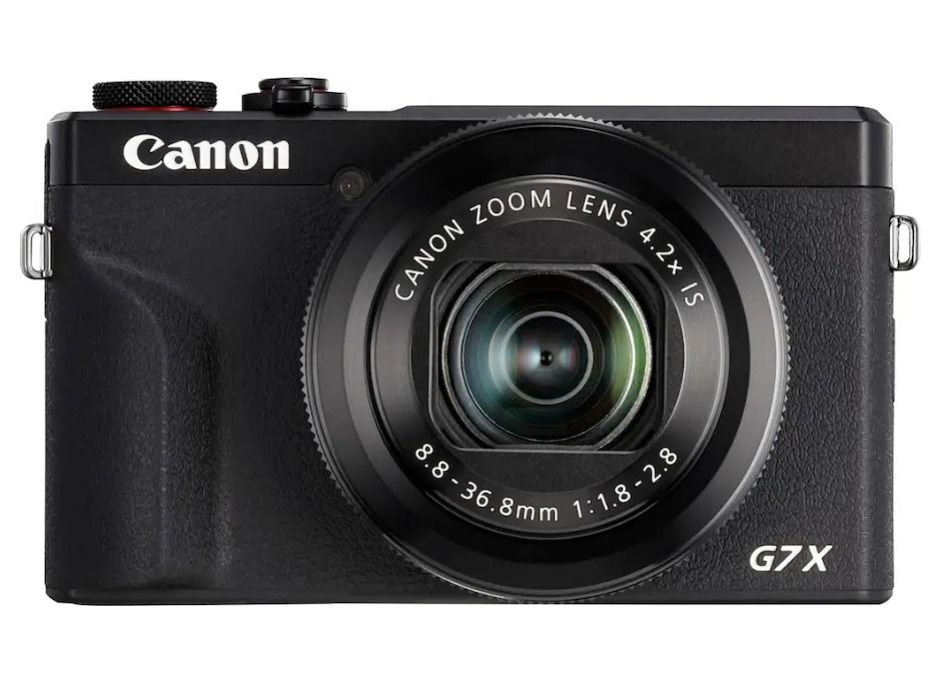
Checkout the Canon PowerShot G7X Mark III Digital